
[intro]In this guide, you’ll learn how to navigate the EKM SEO dashboard. [/intro]
If you look across the top of the dashboard, you’ll see different tabs. Click each of these to reveal drop-down menus: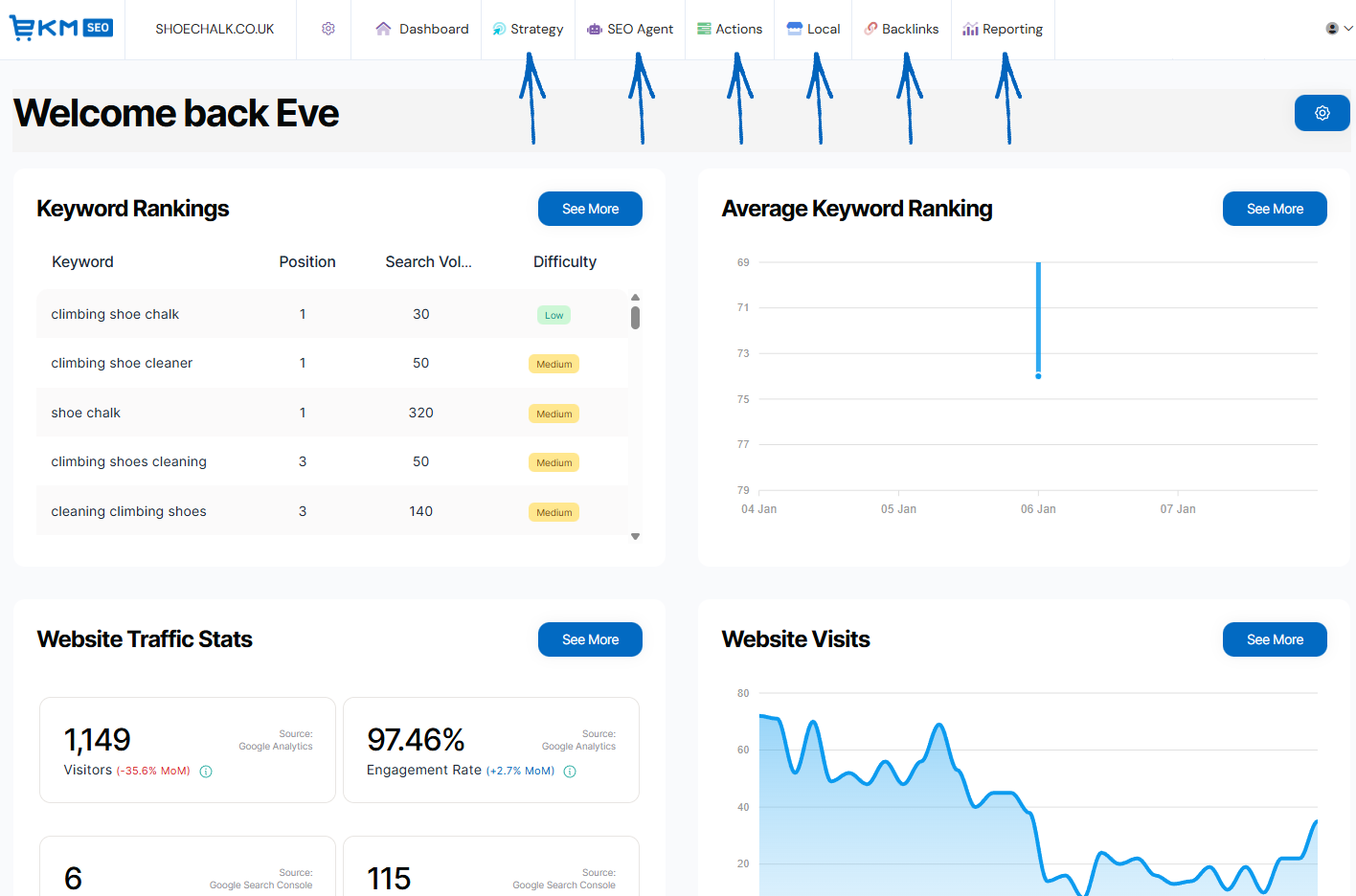
Strategy
The pages listed under the Strategy tab are used to help you formulate your SEO campaign for your EKM online shop. Select and map keywords to different pages, plan future blog posts and analyse competitors. Here you can access:
Keyword Research
On this page, you can add new keywords and new competitors. You can also add negative keywords and see an overview of your keyword popularity, source and difficulty.
Keyword Sitemap
Here, you can map keywords to specific pages on your EKM online shop either manually or automatically. You can also export a list of pages and their assigned keywords here.
Content Strategy
This page is dedicated to the creation of blog content, based on the keywords assigned to your EKM online shop. You can also access your Content Scrapboard here to generate, edit and view a list of the prompts that can be used to generate blog posts to promote your products.
Competitor Analysis
In this area, you can manage your competitors and compare rankings and historical keywords, which can be exported if required.
 Seb AI
Tasks and actions completed by Seb AI are listed under this tab. Approve Seb AI’s suggestions, review any changes he has made, prioritise pages you would like him to look at, manage his tone and the profile he’s completed based on the content in your EKM online shop.
Approval Centre
Review and approve SEO Agent's SEO updates in one place, blog posts, website copy, and more, all ready for your approval.
Changelog
When you have approved Seb AI to complete a task for you on the Approval Centre, you’ll be able to view a list of all the tasks that have been completed on the Changelog.
Page Prioritisation
Here, you can assign specific URLs for Seb AI to work on, consisting of all the pages on your EKM online shop, which can be prioritised above all other content.
AI Business Profile
Visit this page to see a summary of your EKM online shop that has been created by AI. This includes a mission, a company overview, a product summary, target customers, testimonials, and much more. This is referred to by AI when creating content, answering questions and managing reviews.
Tone of Voice
Use this area to define the voice of your brand online. Set the tone, style, and personality so SEO Agent can write in a way that feels natural.
 Actions
The pages under this tab are the ones you will probably use the most on EKM AI. Your Actions is the list of tasks that need to be completed regularly to maintain your SEO strategy. Here you can access:
Your Actions
On this page is a list of tasks you need to work through, with a progress bar showing how much you have completed so far.
Onsite Optimiser
Using the Onsite Optimiser overlaid onto the front-end of your EKM online shop, any issues and suggestions are highlighted for you in the form of a list of actions that you can work through.
 Local
Local
The pages on this tab are related to the management of your Google Business Profile and ensuring it is regularly updated. Here you can access:
Listing Manager
On this page, you can manage the content of your Google Business Profile account.
Reviews
This area lists a summary of any reviews you’ve received for your EKM online shop on your Google Business Profile. You can filter your reviews according to their star rating, sentiment and add responses here too.
Posts
Here you can schedule posts for your Google Business Profile, where you can highlight events, news and offers on your EKM online shop.
Directories
Citations in directories are important for establishing your presence as a business on Google. Having more citations ensures that potential customers can find you and verify your business information.
Performance
Here, you can see a summary of your Google Business Profile, listing search views, map views, website visits and phone calls made from your profile. You can also filter this data to compare different periods of time.
Rankings
Use the Rankings page to add local keywords to your SEO strategy and increase the visibility of Google Business Profile, and in turn, your EKM online shop.
 Backlinks
Here you can access:
Your Backlinks
Use this area to see a list of all the backlinks currently pointed at your EKM online shop. You can manually add backlinks here and export this data to a spreadsheet for further analysis if required.
Competitor Opportunities
Discover new backlink opportunities based on the competitors you have added to the platform. High-quality backlinks help improve your search performance and signal credibility to AI assistants. Want more opportunities? Add additional competitors within the Competitor Analysis feature.
Backlink Healthcheck
Use the Backlink Healthcheck to check and fix harmful backlinks affecting your SEO. Review the listed websites below to identify and disavow spammy or low-quality links, helping search engines and AI assistants avoid associating your business with low-quality sites.
 Reporting
Here you can access:
Traffic
On this page, you can see a summary of traffic to your EKM online shop, garnered from your GA4 (Google Analytics) account. The summary includes the number of visitors, clicks, impressions and engagement rate and this data can be exported to spreadsheets for further analysis.
Keyword Tracker
Use this page to keep track of your keyword rankings in Google. Monitoring these rankings also helps you understand how well your content is positioned for future AI visibility. You can also check your average ranking and top competitors here too.
Keyword Scan
Discover hidden keyword rankings with Keyword Scan. Tracking every 90 days, see the keywords you are ranking for but have not yet selected in your SEO strategy, helping you spot terms that may also work well in AI-powered search. Check in monthly to track progress, uncover new opportunities, and support your future visibility in AI assistants.
Report Builder
Here, you can build your own reports to keep track of the data that is most important to you. Use one of the templates or create a custom version so you can monitor the visibility of your EKM online shop.
Dashboard Elements
There are lots of different elements on the EKM SEO dashboard. Click the images to learn more:
Keyword Rankings 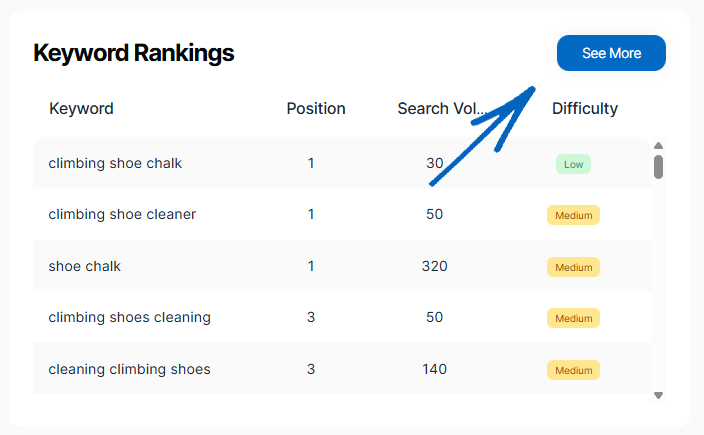
Average Keyword Ranking 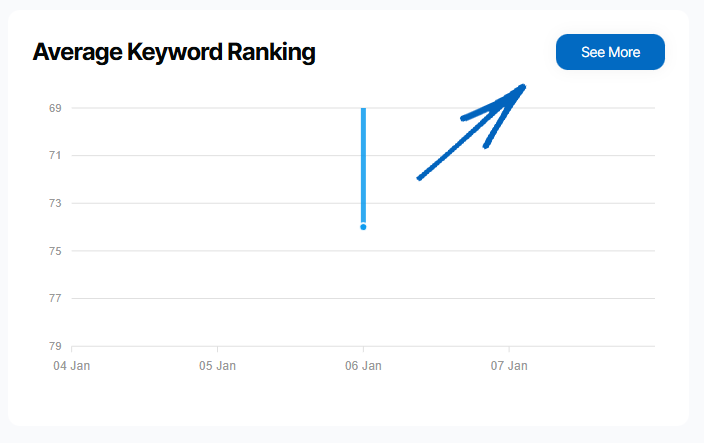
Website Traffic Stats 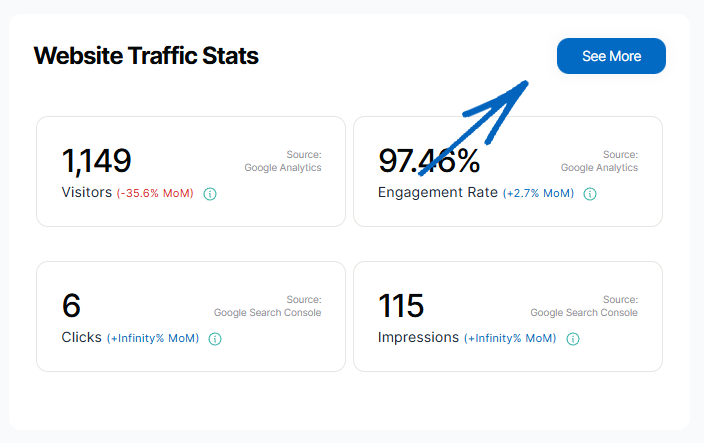
Website Visits 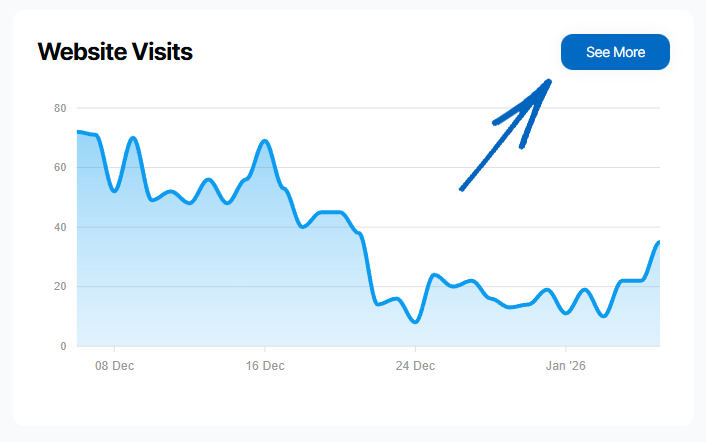
Website Clicks & Impressions 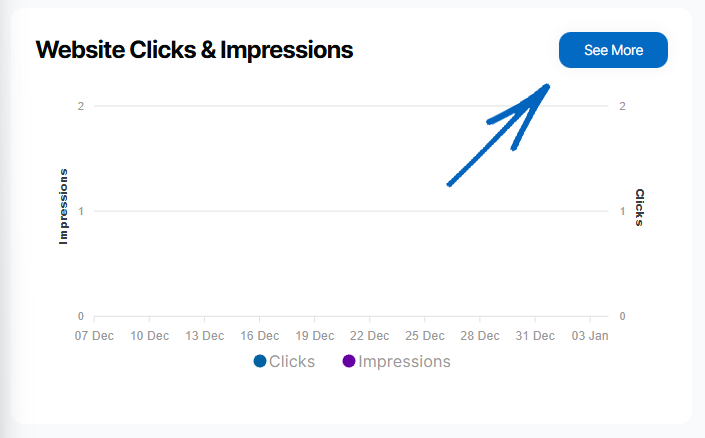
Domain Authority 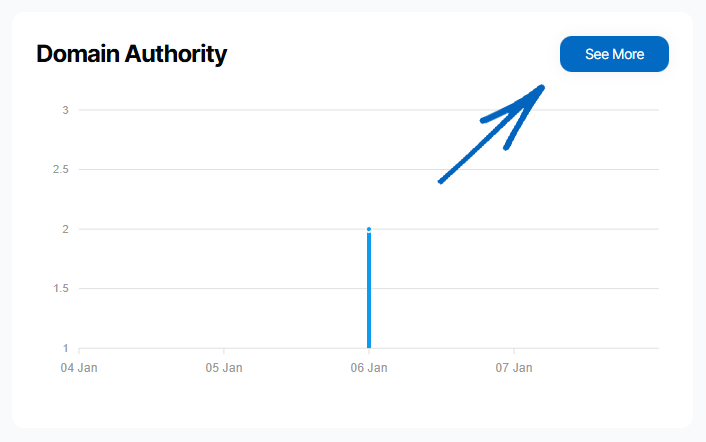
New Backlinks 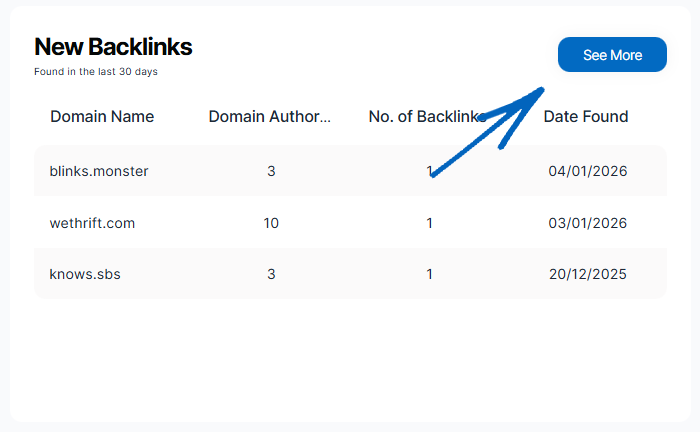
Local Keyword Rankings
New Google Reviews 
Map Views – Google Business Profile 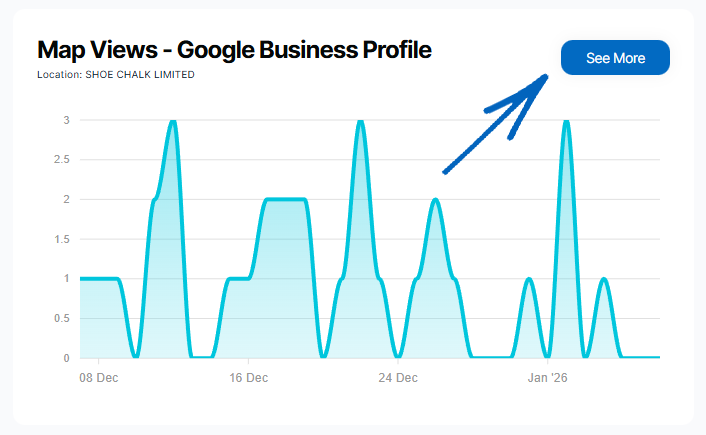
Search Views – Google Business Profile 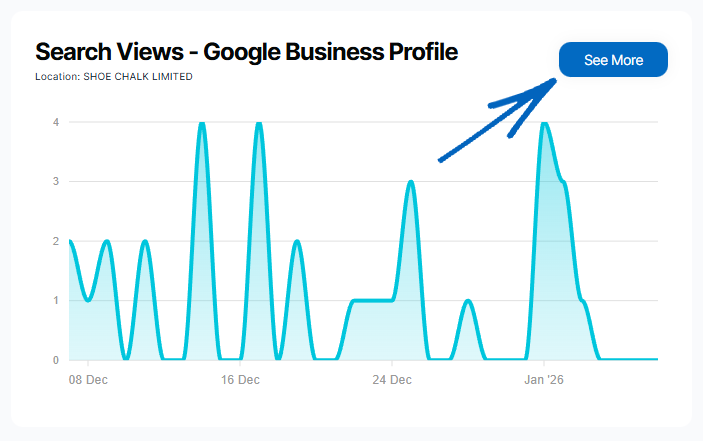
[contact]If you need our help with your EKM online shop, contact the Customer Support Team, who can point you in the right direction. Our opening hours are 9 am - 5.30 pm Monday to Friday, for telephone calls, live chats, and emails. Outside of these hours, you can leave a message for us in the live chat window or email support@ekm.com, and we will answer as soon as possible. If you'd like to suggest a feature or an upgrade on any of the EKM platforms, please let us know on the EKM Suggestions Board. [/contact]