
[intro]Here you can learn all about the data available in the Traffic Statistics area of EKM SEO. [/intro]
Locating the Page
1. From the dashboard, click Reporting, and then click Traffic on the drop-down menu:
2. On this page, you’ll see a summary of the traffic that is visiting your EKM online shop. When you first open your EKM SEO account, this page will be relatively bare, but as time progresses and more data is gathered, you can use it to analyse your traffic. At the top of the page, you’ll see a filter where you can compare your traffic between given time periods. Click the switch: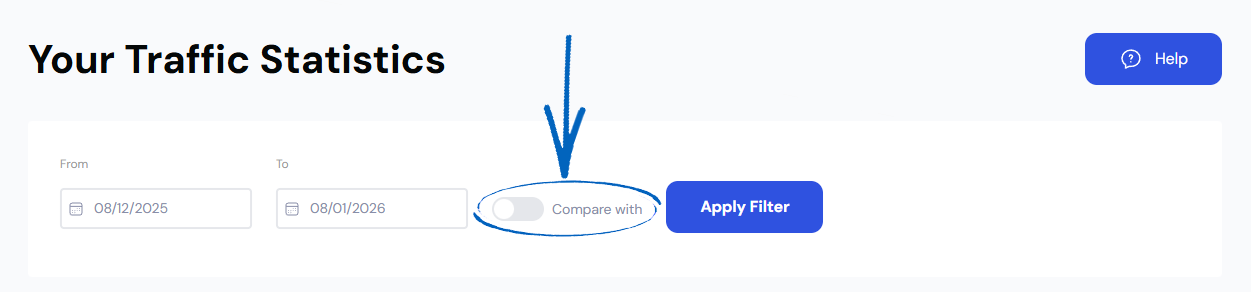
3. You’ll then see a second set of calendar fields appear. Click these to amend the dates for your comparison, click Apply on each Calendar before clicking Apply Filter on the right-hand side: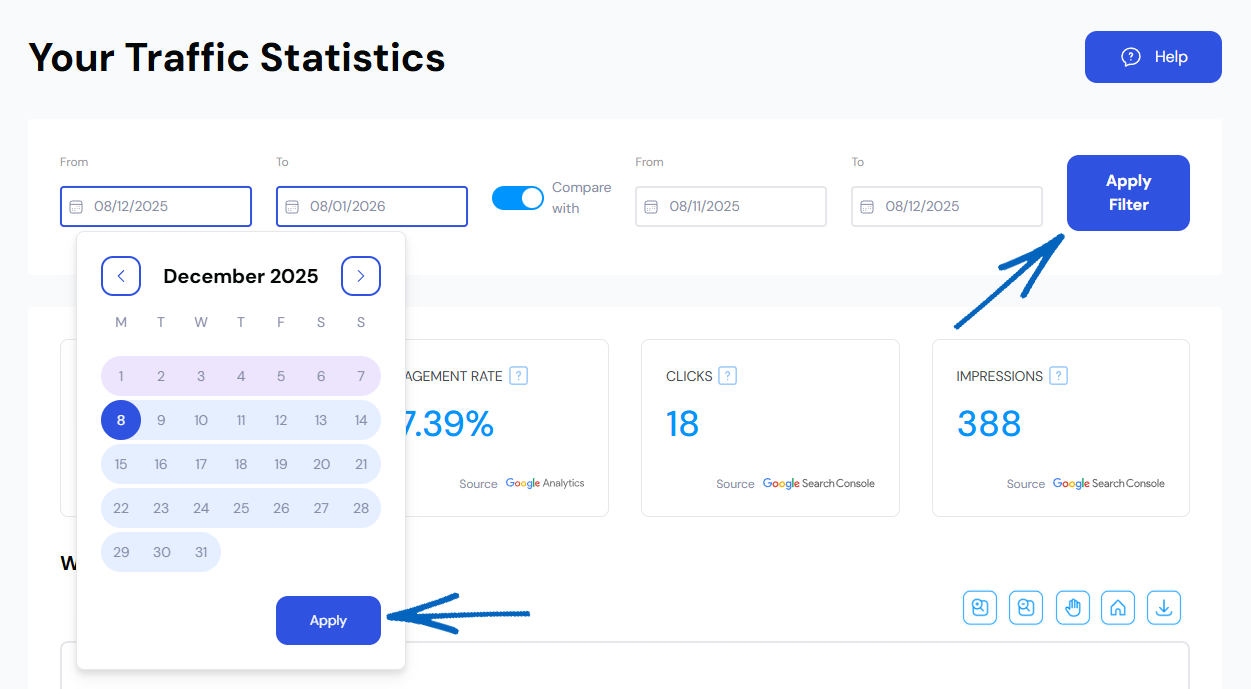
4. You’ll then see the results load below: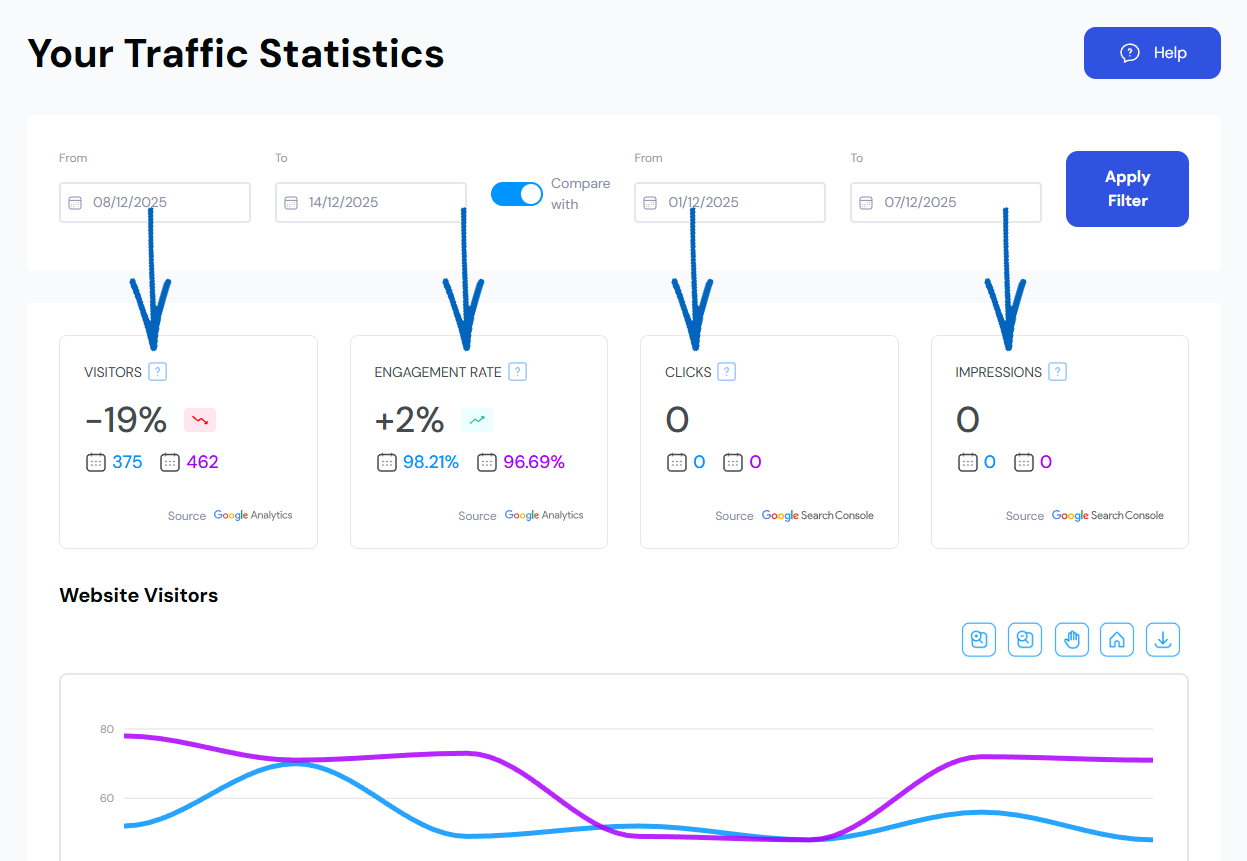
Visitors – The total number of visits to your EKM online shop during the last period selected.
Engagement Rate – The Engagement Rate is the percentage of visits in which a person stays on your EKM online shop for more than ten seconds, views more than one page, or fires a conversion event.
Clicks – The total number of clicks to your EKM online shop from Google search during the latest period selected.
Impressions – The total number of impressions your EKM online shop has had in Google search during the last period selected.
5. Scroll further down this page to see a graph of your visitors. Use the buttons in the right-hand corner to pan, zoom in and zoom out. You can also reset the graph and download the data here: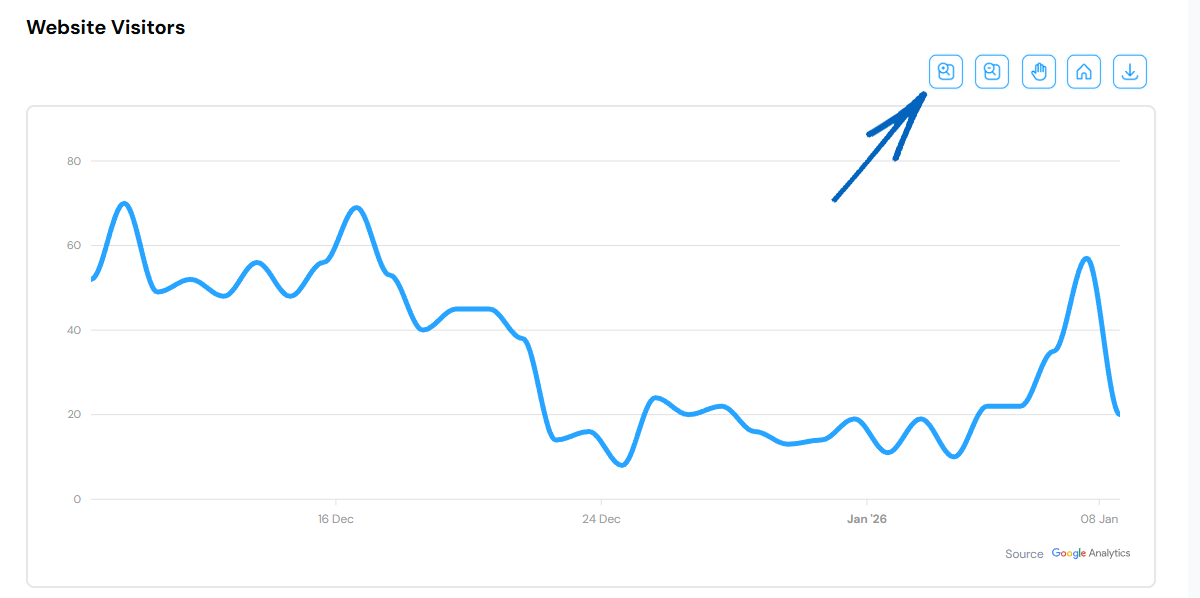
6. Below Website Visitors, you’ll find a graph displaying your Clicks and Impressions. Use the buttons in the right-hand corner to pan, zoom in and zoom out. You can also reset the graph and download the data here: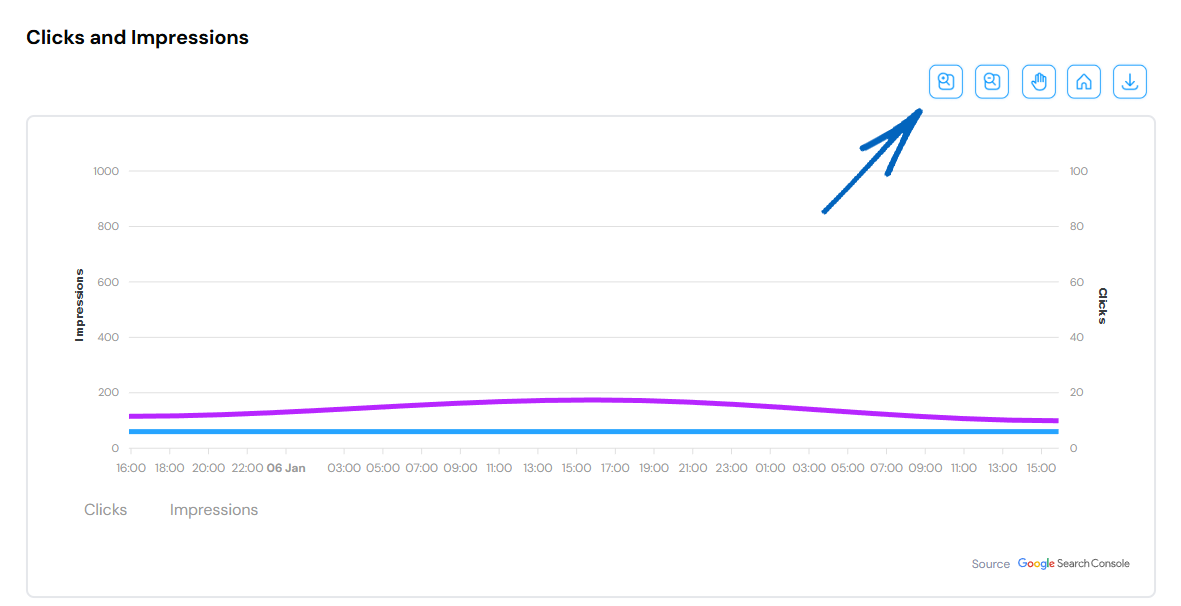
7. Further down the page, you’ll find elements dedicated to the Top Locations and Top Sources of your traffic. They will display Country and Traffic Sources by default, but it is worth clicking City and Referrers too: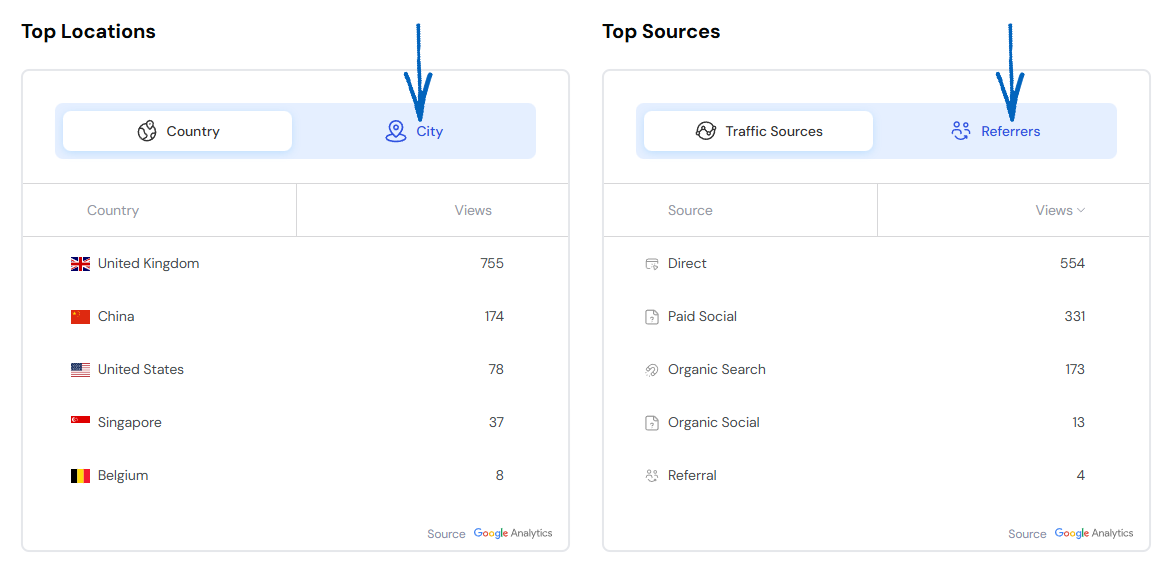
8. Finally, at the foot of the page, you’ll see a graph displaying the devices used by visitors to your EKM online shop. You can download this data by clicking the button in the top right-hand corner and selecting the file type from the drop-down menu: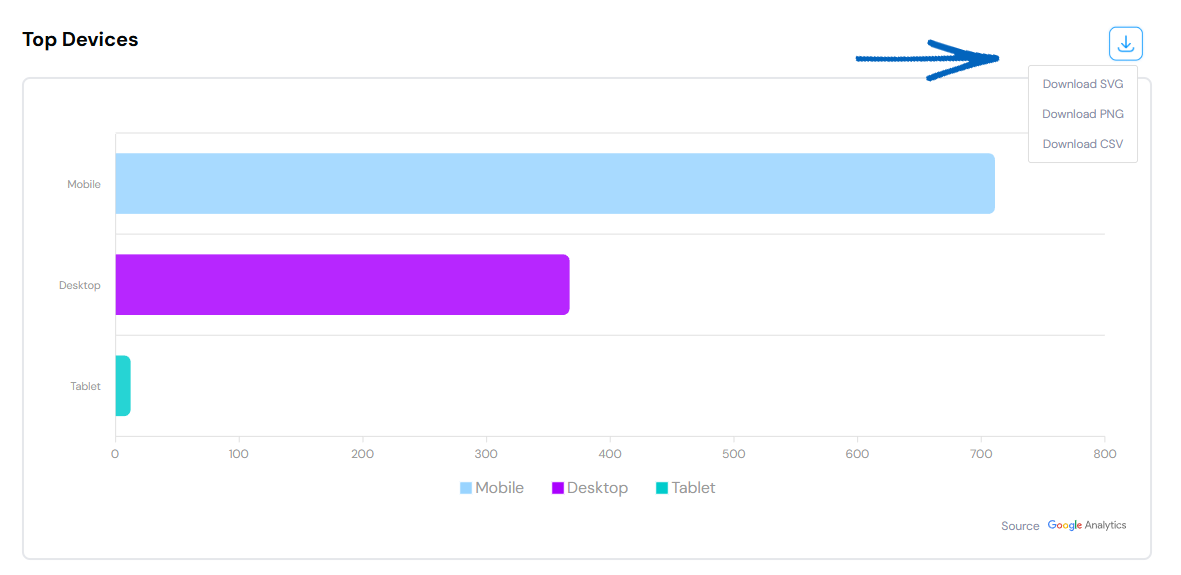
[more]
[/more]
[contact]If you need our help with your EKM online shop, contact the Customer Support Team, who can point you in the right direction. Our opening hours are 9 am - 5.30 pm Monday to Friday, for telephone calls, live chats, and emails. Outside of these hours, you can leave a message for us in the live chat window or email support@ekm.com, and we will answer as soon as possible. If you'd like to suggest a feature or an upgrade on any of the EKM platforms, please let us know on the EKM Suggestions Board. [/contact]