
[intro]In this guide, you’ll learn how to locate the e-trackit feature and learn how this platform could be used to manage sales between your physical store and your EKM online shop. [/intro]
e-trackit provides a complete stock management solution, including Epos. It is designed specifically for independent retailers, allowing you to manage stock and sales offline and online whether you have a single store or multiple outlets.
1. From the Dashboard, click Features: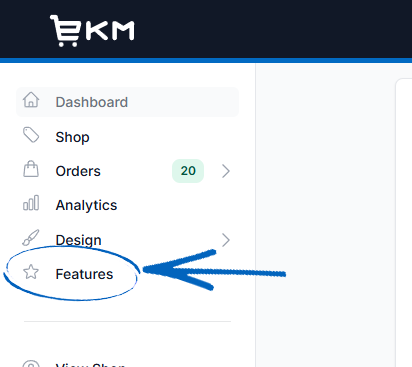
2. Click the Features Library tab: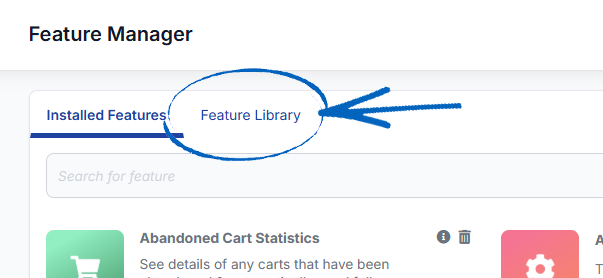
3. Scroll down to the Sales Channel features and click View More on the right-hand side:
4. Click the e-trackit icon: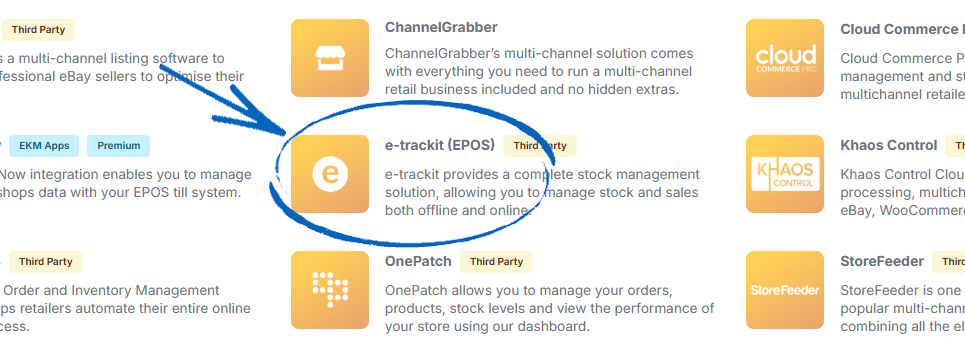
5. Click View Website in the bottom right-hand corner: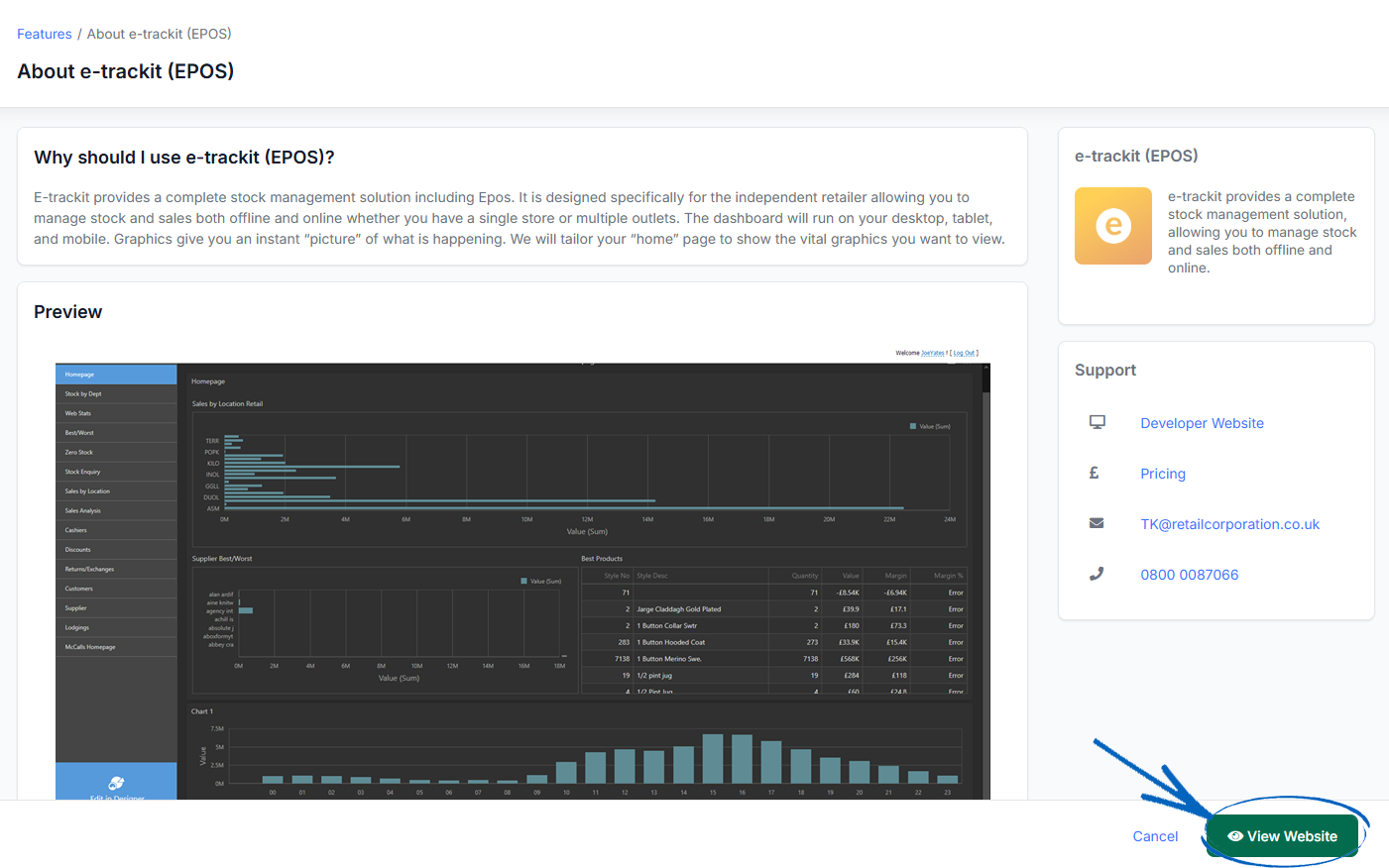
6. You’ll then be redirected to this page, where you can read more about the functionality and features of e-trackit and contact them by using the green button on the right-hand side: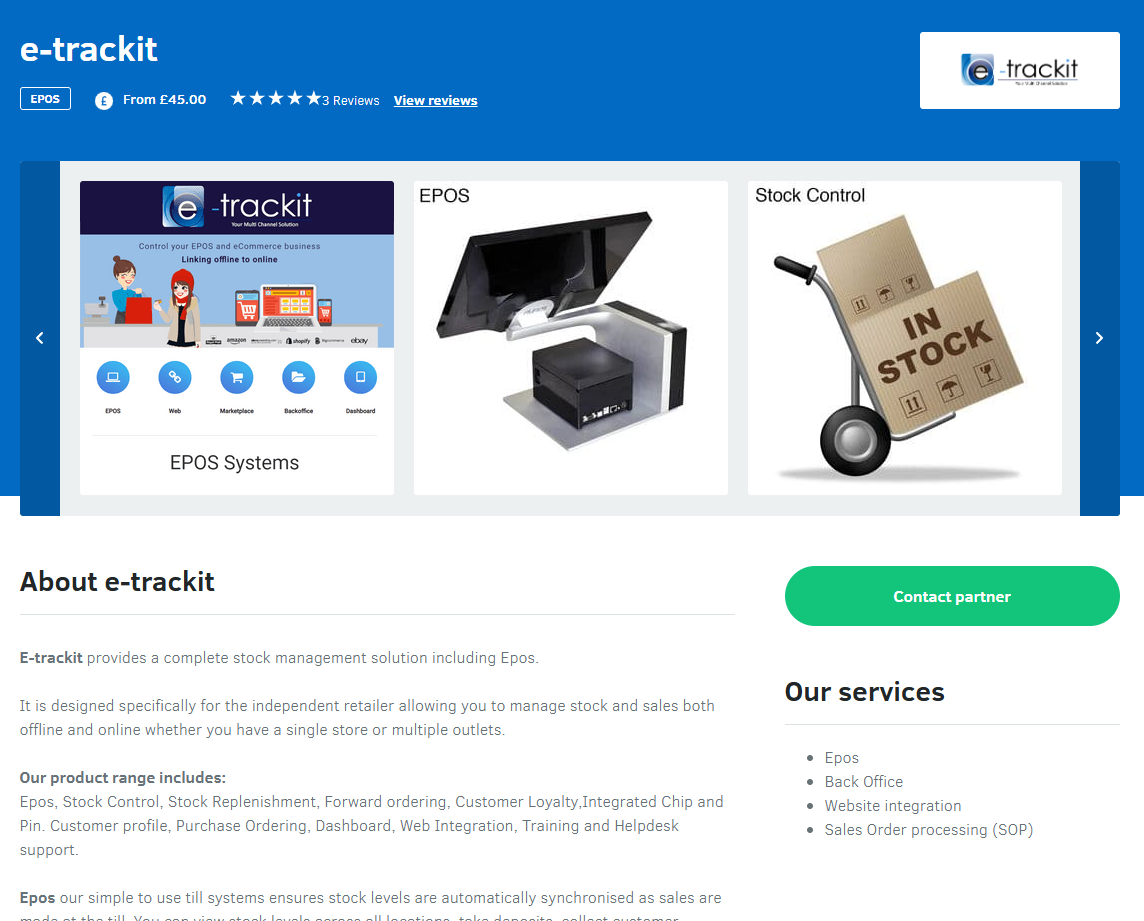
[tips]You can find details of e-trackit pricing here.[/tips]
[more]
[/more]
[contact]If you need our help with your EKM online shop, contact the Customer Support Team, who can point you in the right direction. Our opening hours are 9 am - 5.30 pm Monday to Friday, for telephone calls, live chats, and emails. Outside of these hours, you can leave a message for us in the live chat window or email support@ekm.com, and we will answer as soon as possible. If you'd like to suggest a feature or an upgrade on any of the EKM platforms, please let us know on the EKM Suggestions Board. [/contact]