
[intro] When you have completed this guide, you’ll be able to understand the differences between selling on eBay and retailing Products on an ecommerce website and will be able to adjust your content accordingly. [/intro]
If you have only previous sold items on an eBay shop prior to opening your EKM online shop, there’s several differences that you need to be aware of so you can amend your content accordingly.
Technically eBay - and the other auction sites out there - are e-commerce, but in a different sense to an online shop. eBay is an auction site, and your product listings are not the same as product pages on an online shop. eBay is also what’s known as an ‘online marketplace’, which is different to an ecommerce website. On online marketplace platforms, you are competing with other sellers that offer the same (or a similar) products to your own, who are also displayed right next to your listings in search results.
On an ecommerce website, typically users search within that single domain for the product they want, or use other methods, such as clicking images or within categories, or visit direct links to shop pages from external sources, like social media, review sites, search engine results or direct recommendations from friends. Ecommerce websites competing against other online shops which sell the same products, but customers won’t always see your products listed next to those of your competitors, and some customers will find your online shop without realising that your competitors exist.
In short, although both platforms retail products to customers, the two are very different in their look, feel and behaviour; what works well on one platform does not necessarily translate well onto the other. We’ve compiled a list of the obvious differences between what works on an auction site product listing and what works on an online shop product page to help you edit your content accordingly.
Product Images
Product Variants
If you have a product that is available in different colours, on eBay this is typically signified by having a Product Image that displays all the colours available: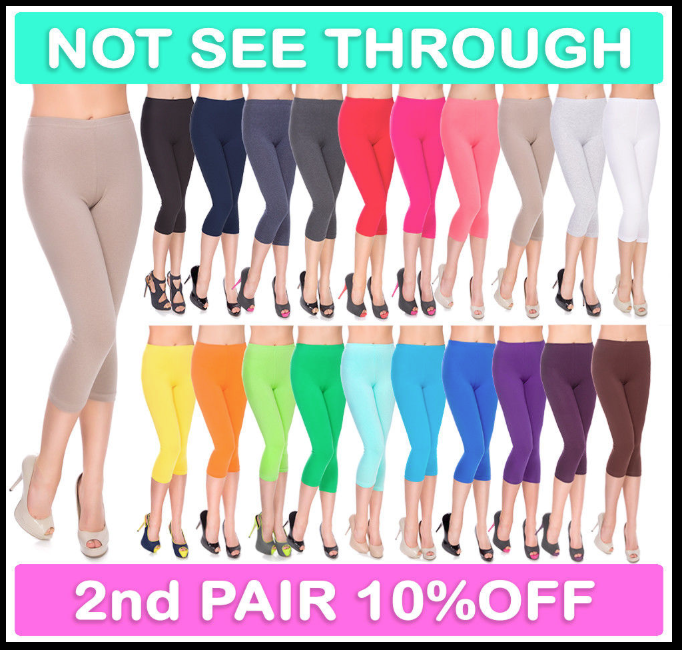
However, one drawback to this is that with so much in the image, it detracts from the detail of the single product, and it is that which encourages a customer to purchase. There are different ways to display this product on your online shop which would be more beneficial:
1. You could list the most popular colour as the default variant for the product, so the image would be for a single pair of leggings. You could add ‘More colours available’ to your Product Summary if you have added this feature, and customers would be able to view the different colours by selecting them from the variant ‘colour’ drop-down menu on the product page. On some Themes, variant choices for individual products are visible on the category pages too, so users could see the choices immediately before clicking onto the product page.
2. Alternatively, if the product is popular, consider listing each colour as a separate item - you would still need a drop-down variant for size, but by listing all the colours in this way customers could see all the available colours by glancing down the category page. However, bear in mind that if the product images for each colour are nearly identical, go for the first option as this looks more professional as opposed to obviously manipulated pictures.
Watermarking
It’s common practice on auction sites to watermark your product images, however, this is bad practice on an online shop as Google will not allow watermarked images to be used. If you have any watermarked images, be sure to replace these on your EKM online shop so customers can view the product images in all their glory.
Additional Images
On an auction site, you can add additional product images as well as the main product image, which are displayed as thumbnails on the listing. However, it’s also common practice to add additional product images into the product description too. On an online shop, this is not recommended; it drastically affects the length of the product page and delivers a bad shopping experience as the customer must scroll a long way down the page to see the description.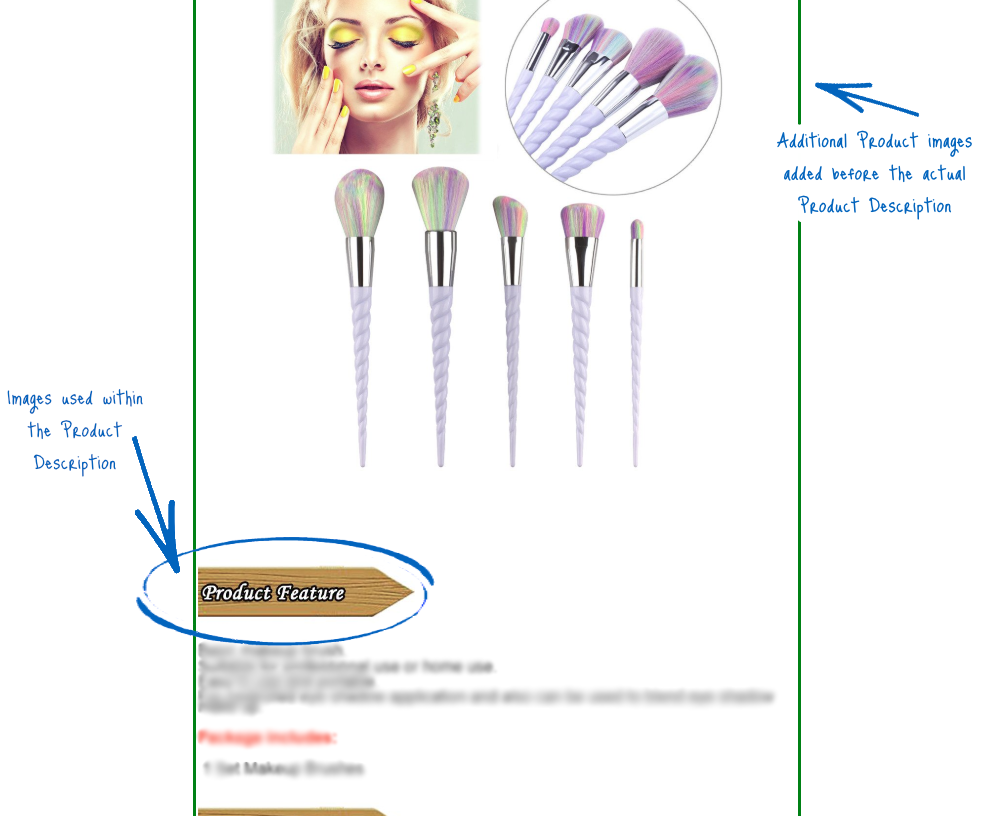
To combat this on your EKM online shop, be sure to only add additional product images with your main product image (you are allowed one main product image and nineteen additional images per product/variant of a product), and not within your description.
Image Quality & Size
It’s also worth mentioning too that you need to ensure that your images are the right size and quality for an online shop. Product images on the EKM platform need to be 1024x1024 pixels square ideally and look as professional as possible. You can read more about product image quality here and if you intend to take your own product images, this guide should help you.
Stock Images
Don’t use product images taken from elsewhere, including Google and other online sellers. The chances are that someone else is using that product image too, so in Google search results, your products will look identical. Aim to take your own product images so you can be assured that they are unique will stand out in search results. You can read about how to take your own product images using this guide.
Product Descriptions
Fonts in different colours and sizes
On your eBay Shop, making the text more visible by using fonts in different styles, colours and sizes works a treat and really helps your product descriptions stand out. However, in an e-commerce shop, this practice should be avoided as the colours, styles and formatting of the fonts will clash with the rest of the website design. Instead, choose headers where necessary, and keep the font style universal across your entire shop.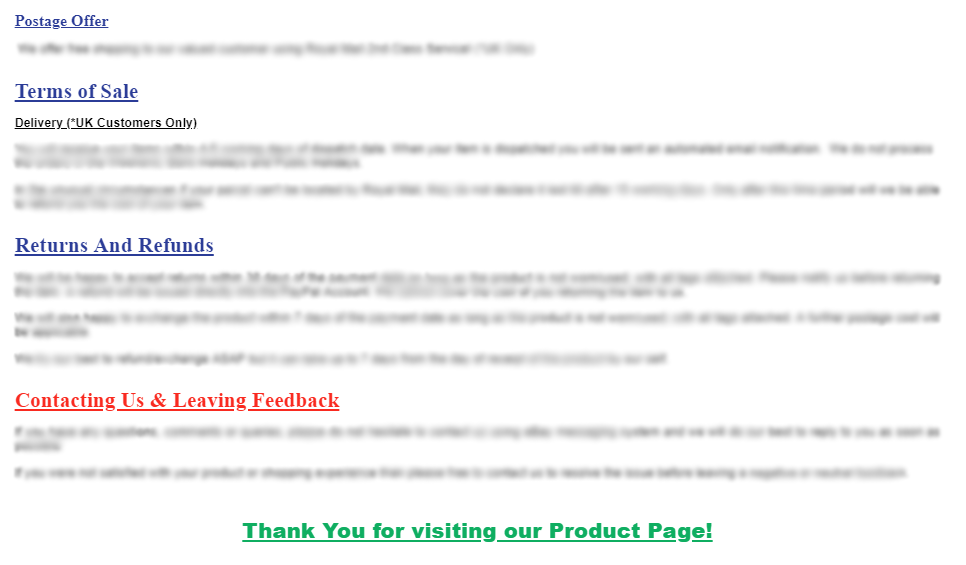
The same rule applies to any images within Product Descriptions or Product Images where fonts have been used- if there are any fonts that do not match the design of your EKM online shop, remove these entirely to make your online shop more professional and to encourage brand continuity.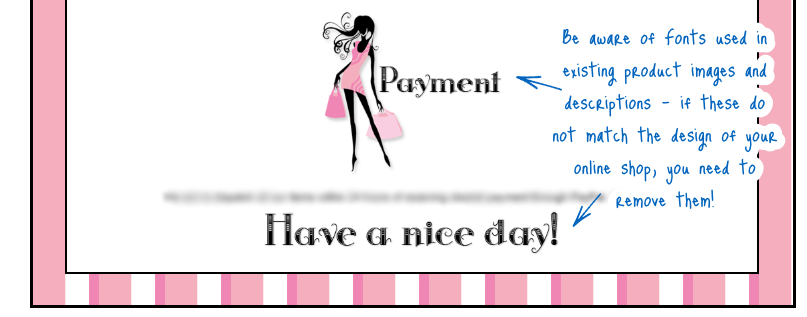
Capital Letters, Spelling & Symbols
On an auction site, capital letters are a good way of making your listings stand out in a search, but on an online shop, we do not recommend that product titles are written entirely in capital letters, as online, this is often read as ‘shouting’.
Equally, you need to ensure that you don’t have any hearts, stars, emoticons, @, £££s, or other symbols in your product title or description. Whilst this is useful for catching people’s attention in the results of a search on an auction site, this is not recommended on an online shop. You also need to check your text for spelling mistakes too, as bad grammar, spelling and punctuation can make your online shop appear unprofessional. Keep your product titles short and concise and use descriptions to provide comprehensive details of the product so that the customer can easily decide whether they want to purchase the item.
Links within Product Descriptions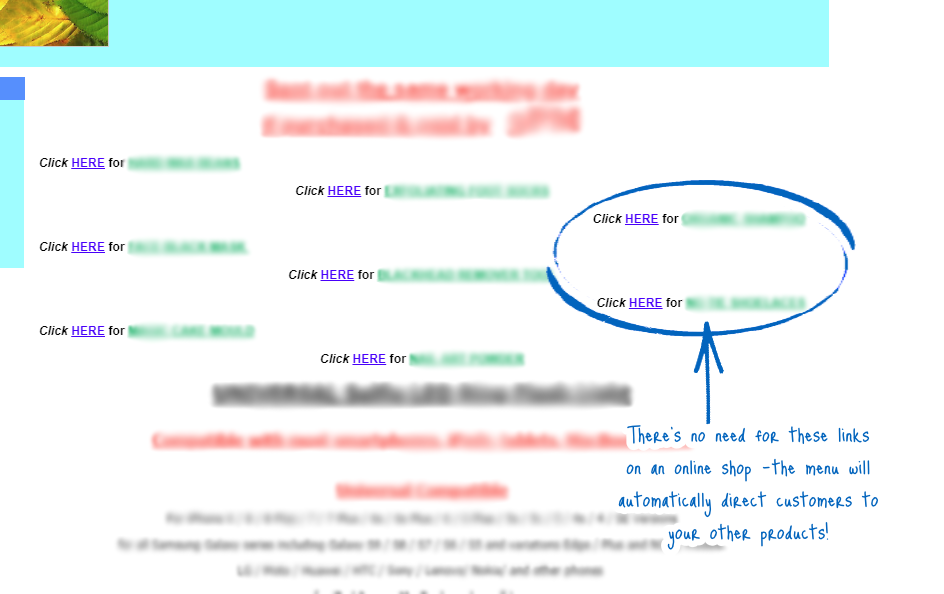
On your listings, it’s a good idea to provide links to the other products within your eBay shop to encourage the customers to view the rest of your range, however, this is not recommended on your EKM online shop as it is not accepted by Google. By installing the Related Products feature on the Features page, you can select a range of related Products to encourage customers to make additional purchases without needing to add links to your product descriptions.
Design Images in Product Descriptions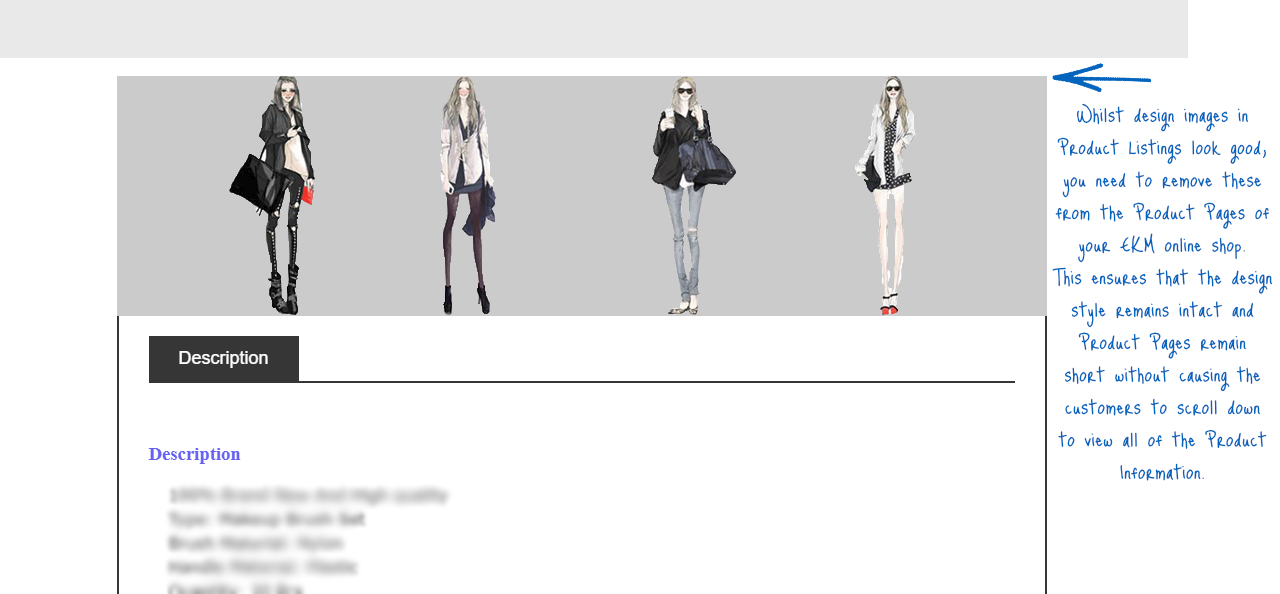
Although headers like this can look fantastic on listings, ensure that this code is not imported, as what looks great on an auction site listing will not necessarily go with the style of your EKM online shop.
Tables, Slideshows and Scrollbars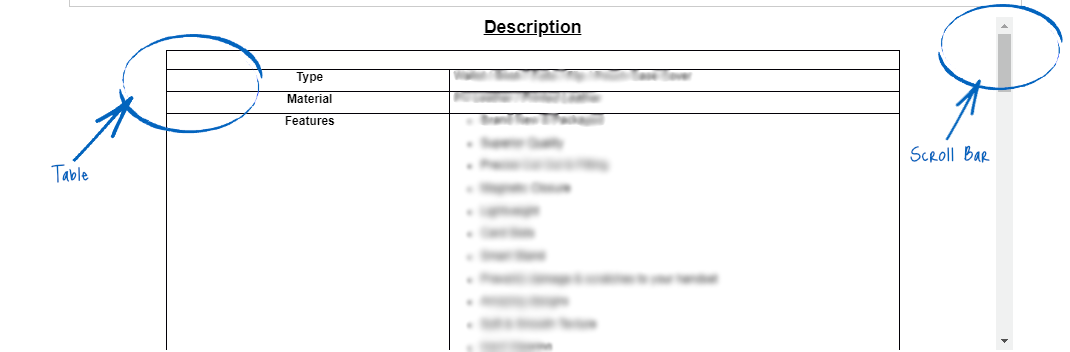
If you have added custom code and designs to your listings, you may have some extra functionality in there to help show off your products, including slideshows, scrollbars and tables to display the vital statistics about the item. Whilst this is a normal practice on eBay, you need to ensure that this code is not imported into your EKM online shop when you import your products. Slideshows and scrollbars within a product description will clash with the Theme of your EKM online shop, and HTML tables are not mobile responsive, so these would be difficult to read for any customers viewing the product using a tablet or mobile device.
Your eBay Score & Feedback
Whilst your eBay score and feedback is essential to your success on the auction site, this information should not be displayed on your EKM online shop. Why? Because you want to encourage people to shop on your online shop and not click through to your eBay Shop. Therefore, your eBay score and any feedback you’ve received from eBay customers is not required on your EKM online shop.
On the EKM online shop, you can use the Customer Reviews feature which will allow customers to leave feedback on products that they’ve purchased, but don’t use feedback from the platform that the customer is not currently viewing.
[tips]To ensure that you do not accidentally transfer any unwanted code when importing products from eBay, adjust the Import Settings of the eBay Import/Export feature accordingly. It’s also worth setting imported products to be hidden by default, which will allow you to edit them before making them live.[/tips]
[more]
[/more]
[contact]If you need our help with your EKM online shop, contact the Customer Support Team, who can point you in the right direction. Our opening hours are 9 am - 5.30 pm Monday to Friday, for telephone calls, live chats, and emails. Outside of these hours, you can leave a message for us in the live chat window or email support@ekm.com, and we will answer as soon as possible. If you'd like to suggest a feature or an upgrade on any of the EKM platforms, please let us know on the EKM Suggestions Board. [/contact]